
Learn how to edit the cookie consent bar on your website through the plugin settings. This guide simplifies the process of configuring your tracking scripts to ensure proper compliance and user consent management.
1. Navigate to the RogIQ Integration page: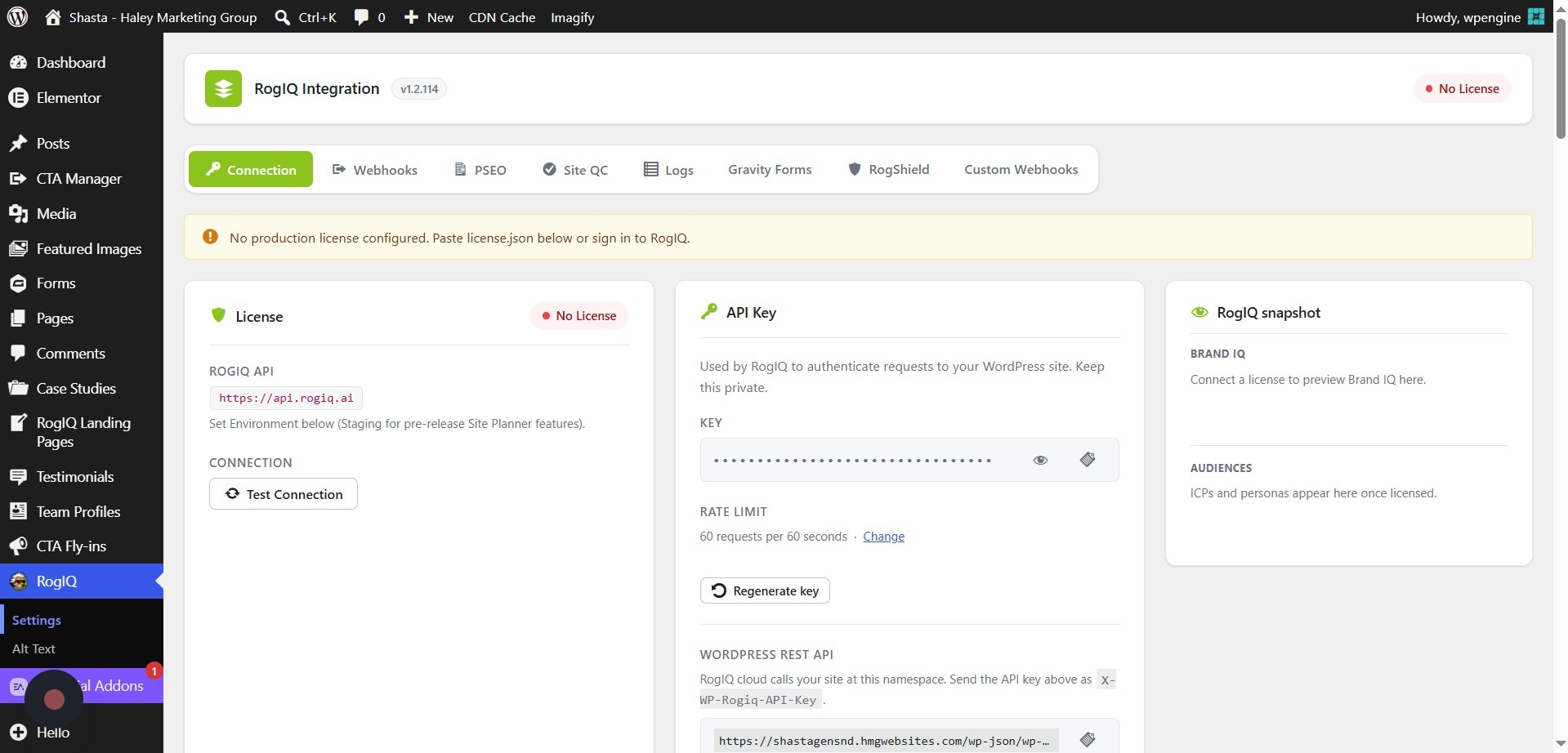
2. Locate the Cookie Consent section.
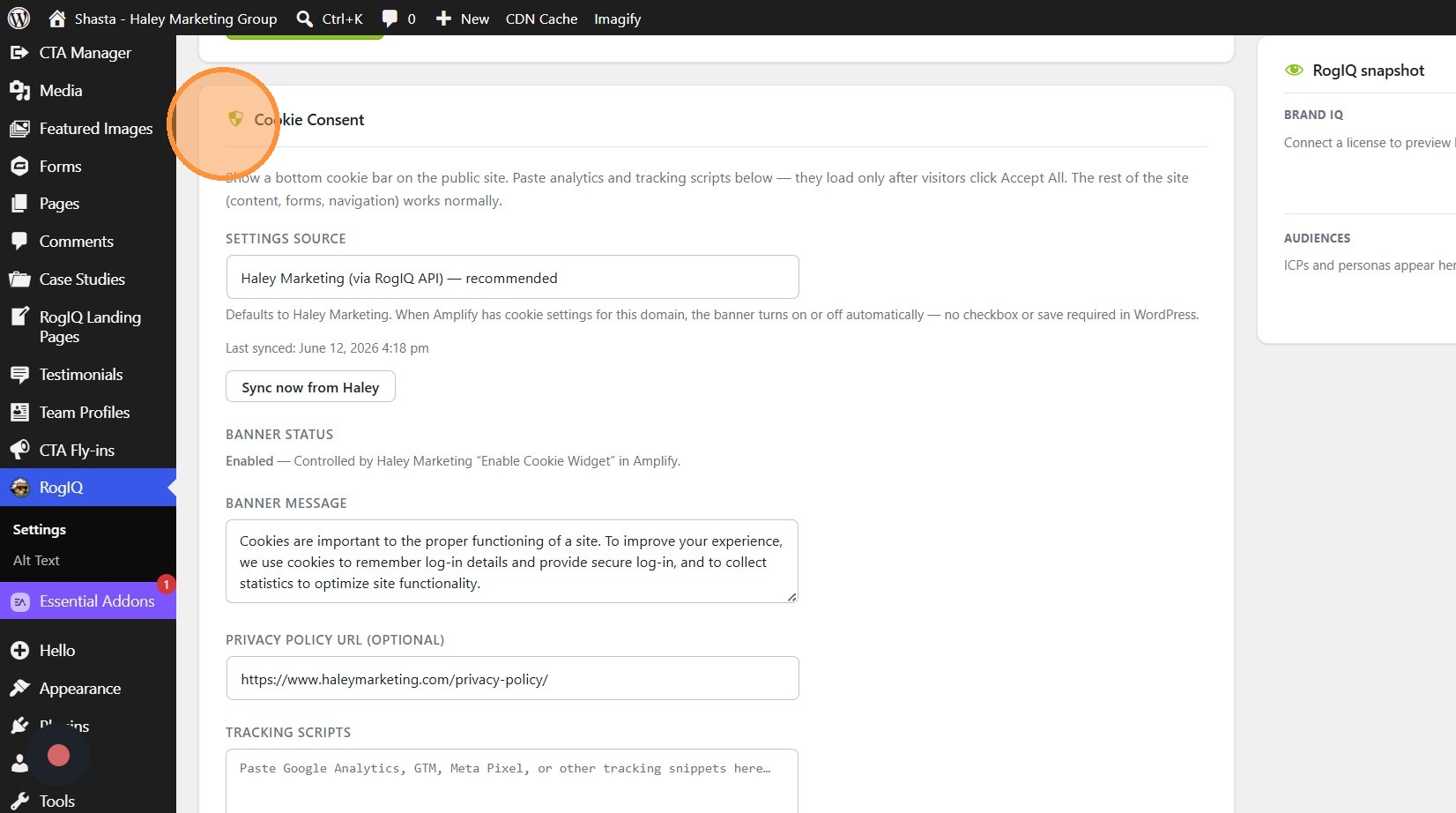
3. Setting Source default is via our RogIQ integration - you can switch to 'Manual' and edit the content yourself if you'd prefer. The Banner Message is the message displayed on the banner. If you include a Privacy Policy URL, it will be linked next to the button.
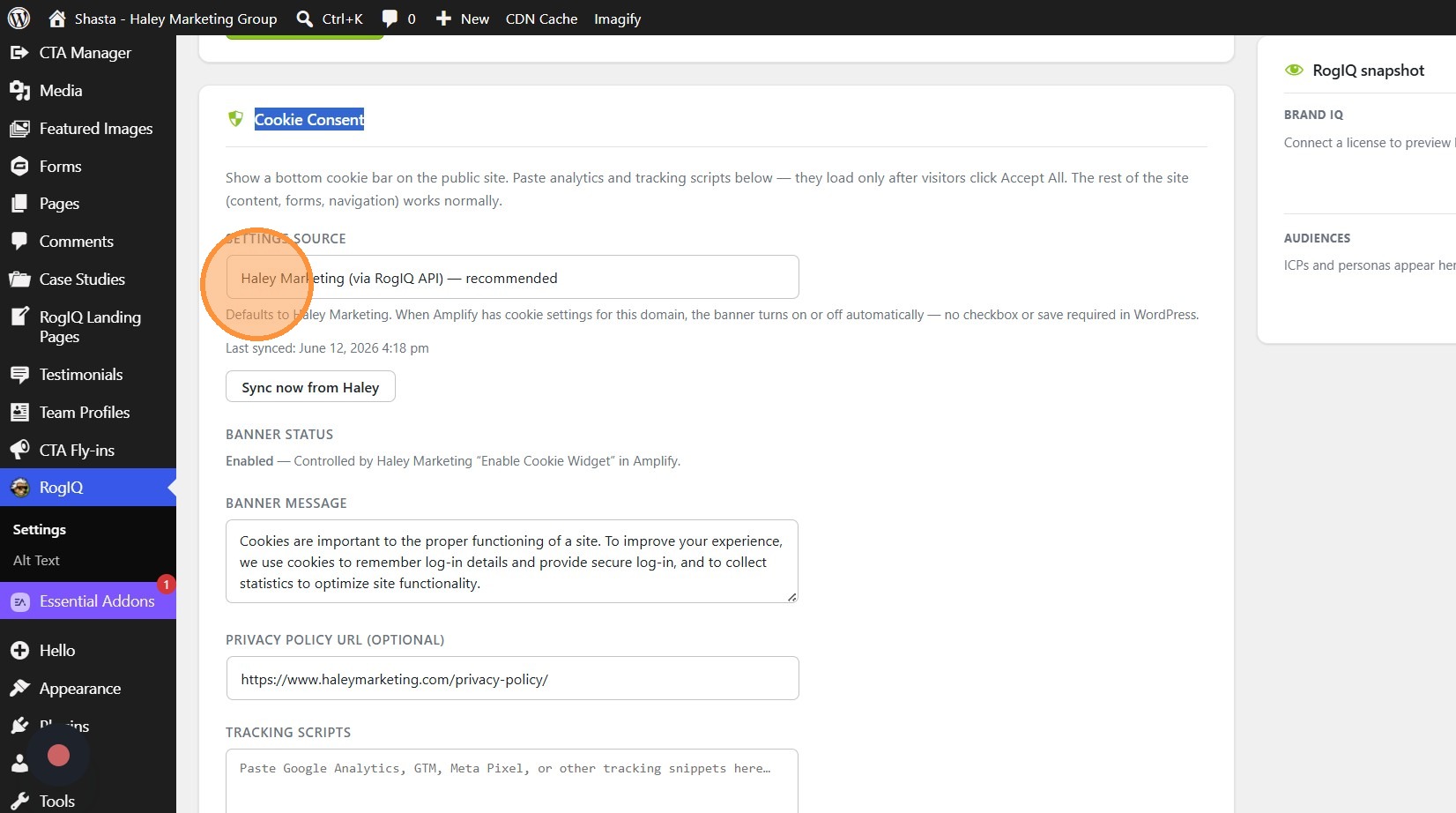
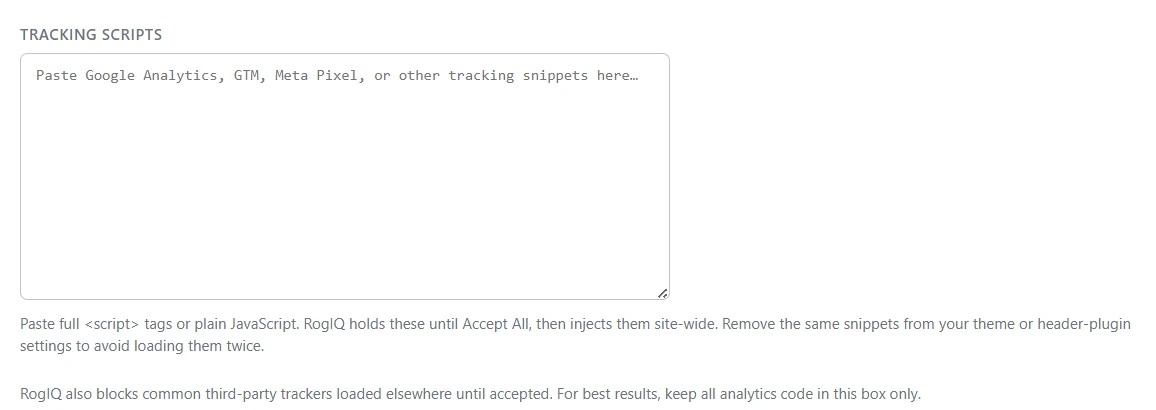
4. If you find that you have tracking codes still firing from other plugins, you can add them below in the Tracking Scripts box. This will ensure all tracking scripts are covered.
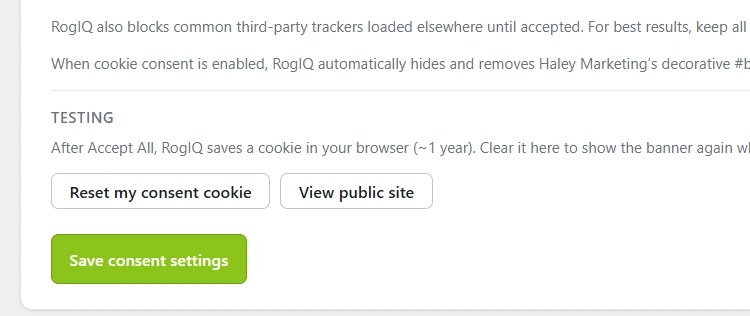
5. Make sure to save your consent settings.
If you have any questions or need any assistance with these settings, please reach out to our Client Success team at success@haleymarketing.com.
Comments
0 comments
Article is closed for comments.